
If you already have Syncthing set up, yeah, it’s probably the simplest option. No need to install anything new, set up a new account somewhere, start a new Docker container, etc. I certainly haven’t tried all the options out there, but I don’t have any complaints about performance with this Joplin sync solution.

SatyrSack
- 0 Posts
- 9 Comments
Joined 1 year ago
Cake day: August 25th, 2025
You are not logged in. If you use a Fediverse account that is able to follow users, you can follow this user.
Certainly. This is what I do:
- Set up Syncthing normally (which you have obviously already done)
- Within the folder that you are synchronizing with Syncthing, create a new folder called
joplinor something - In Joplin (on desktop, mobile, and every device), set the synchronization target to your local filesystem.
- Configuration > Synchronization > Synchronization target > File system
- Point it to your
joplinfolder that you created in step 2
- Configuration > Synchronization > Directory to synchronize with (absolute path) >
/your/path/here/joplin
 33·5 days ago
Aw, I figured there would be a new dad shirt gag in each comic, but not this one

 5·5 days ago
Probably because that post they linked was posted by their lemm.ee account, not their piefed.social account. The problem is that lemm.ee shut down; that Lemmy instance no longer exists. That post had federated to piefed.social at some point before lemm.ee shut down, so that is why it shows up there. But that post had not federated to lemmy.zip before then, so you are not able to find it by looking it up there now.
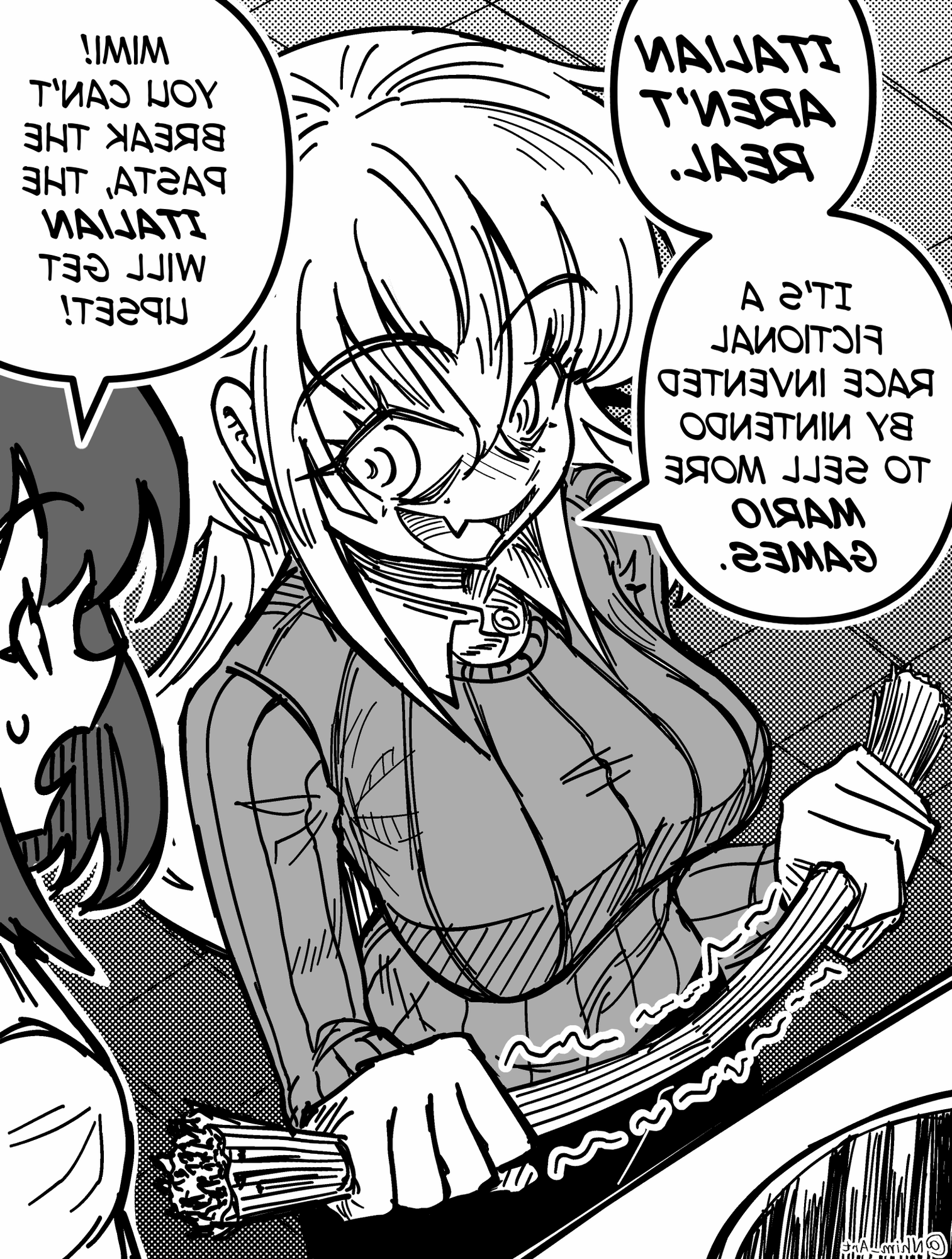
What is the joke here?
,and.scrub frame-by-frame during playback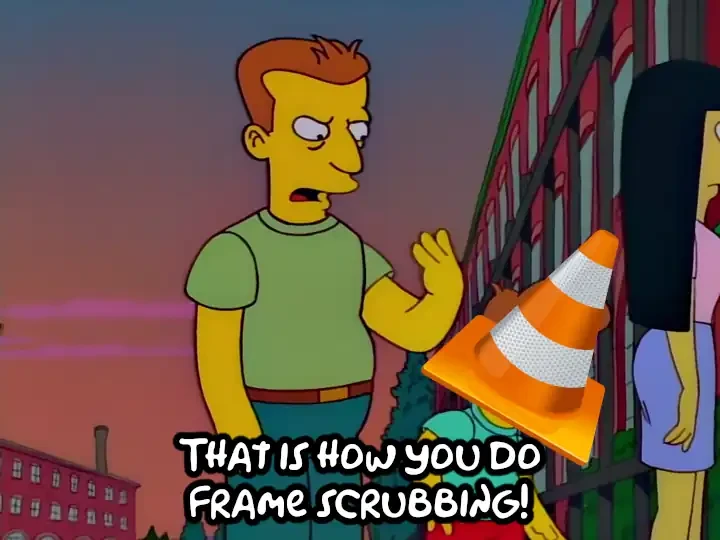
That is exactly how MPV does it. But from what I remember, VLC devs claim it’s impossible, so VLC only allows you to scrub forward frame-by-frame, not backward. You can skip backwards in three-second increments or whatever, just not frame-by-frame at all. It’s the main thing that keeps me using MPV as my default video player, because I frequently skip around videos trying to get a screenshot of the perfect frame to use to make a meme or something. Being able to scrub frame-by-frame in both directions is a big deal.
So the Phantom Menace?